
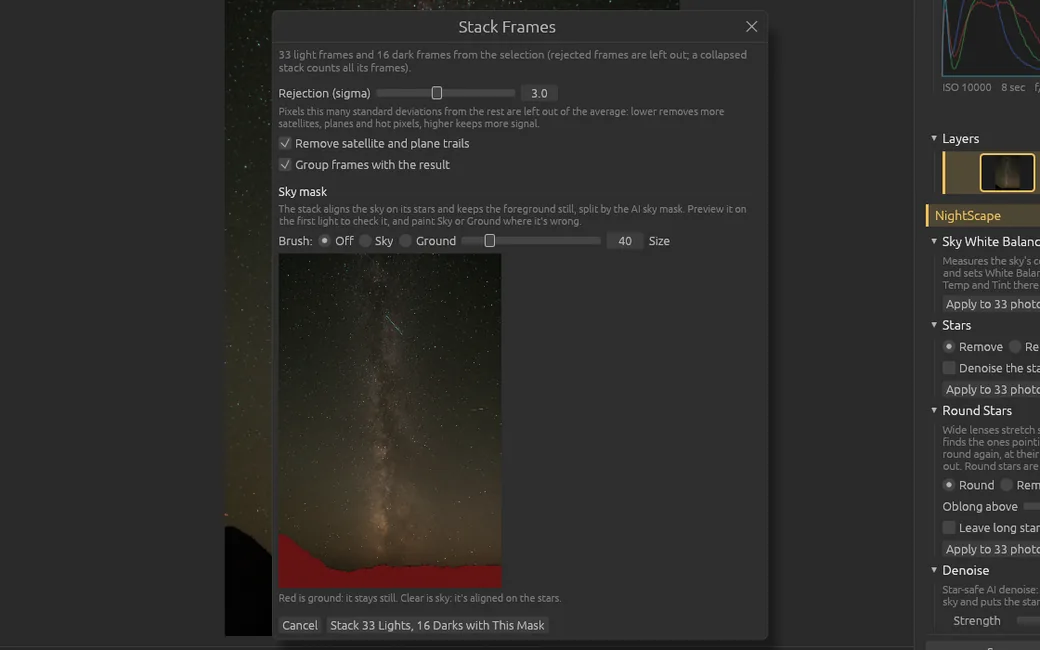
NightScape Lab is a desktop app I built for a problem I kept running into with my own night photography. When you stack a night of frames, the stars move and the ground doesn't. Align everything on the stars and the trees smear. Align on the trees and the stars trail.
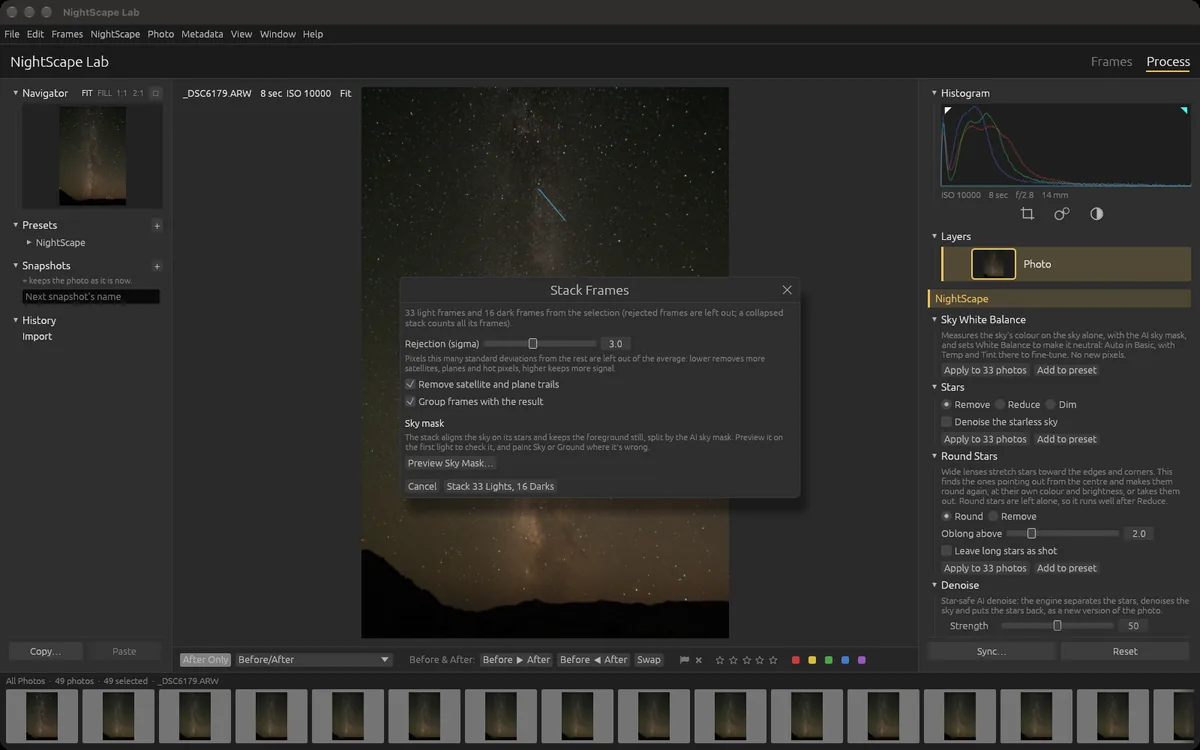
NightScape Lab masks the sky and the ground, aligns each one on its own terms, and gives you a single clean base image from your RAW files. The sky mask is visible and you can paint it, because the horizon is where automatic tools tend to get it wrong. Satellite and plane trails come out during the stack.
What's in the app
Stacking is where it starts. The same app has the tools I used to reach for three or four other programs to get:
- Sky White Balance
- Stars: remove, reduce, and dim, with a Star Map to put them back
- Round Stars, for the stretched stars in the corners of a wide lens
- a star-safe Denoise
- Star Glow
- Defringe & SCNR
- Star Trails, with five looks: Solid, Comet, Meteor, Fade, and Vortex
- Foreground Sky Merge
- Panorama
Everything runs on your own machine, and your images never upload anywhere. A license check needs the internet when you activate, then at least every 14 days. That's it.
Lightroom Classic
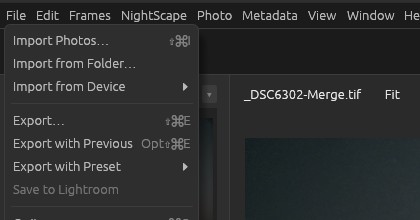
If Lightroom Classic is home for you (it is for me), there's a plugin for it on Mac and Windows. Select a night's frames in Lightroom, choose Stack in NightScape Lab, and the app opens with your frames ready to stack. When you're done, Save to Lightroom puts a DNG next to your frames and adds it to your catalog, so you can finish the image in Develop the way you always have.
You don't need Lightroom. The app also stacks from files on disk.
How it fits with Milky Way Planner
I plan the night in Milky Way Planner: when the core is up, when the moon stays out of the way, and how a trip lines up. I stack that night in NightScape Lab. They're two tools for two parts of the same job.
Platforms, price, and the guide
It runs on macOS (Apple Silicon), Windows, and Linux. It's $129, one time, with no subscription. That covers the app and the Lightroom plugin, and there's a 30-day money-back guarantee: if it isn't for you, email me and I'll refund it.
The user guide is on the site and built into the app under Help.